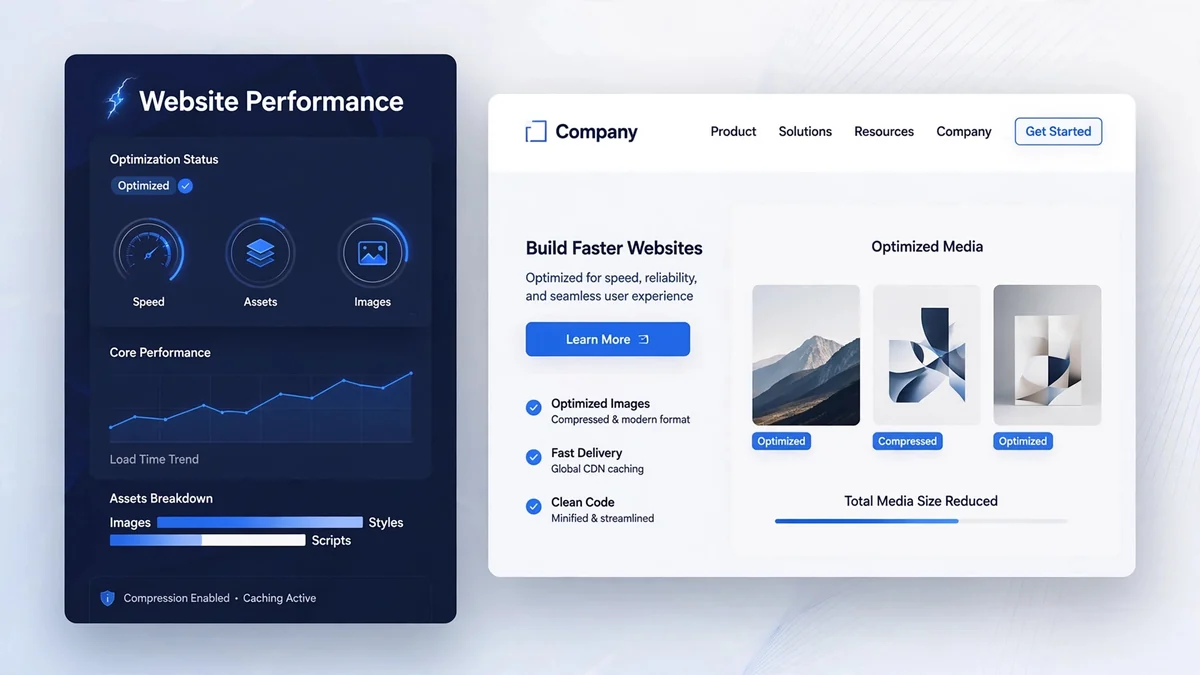
Speed is one of the few website qualities that every visitor notices — usually by leaving when it is missing. Slow pages frustrate users, reduce conversions, and feed into Google’s page experience signals. The good news: most websites are slow for a handful of fixable reasons, and you do not need to be a developer to understand them. This guide explains why website speed matters, how to measure it properly, and the practical optimizations that make the biggest difference.
Why Website Speed Matters
Speed affects your business in three ways. First, user experience: visitors abandon pages that take too long to load, and the effect compounds on mobile connections. Second, conversions: faster pages consistently convert better — every unnecessary second of loading is a tax on your enquiries and sales. Third, search visibility: Google’s Core Web Vitals are part of its page experience signals, and a slow site can lose the tie-break against an equally relevant but faster competitor.
How to Measure Website Performance
Before changing anything, measure. Two kinds of data matter:
- Field data — how real visitors experience your site. PageSpeed Insights shows this from the Chrome User Experience Report (CrUX), where available.
- Lab data — a controlled test run (Lighthouse) that diagnoses specific problems.
Use field data to judge whether you have a problem, and lab data to find the cause. Test your homepage and a couple of key inner pages, on both mobile and desktop — they often tell different stories.
Understanding Core Web Vitals
Google’s Core Web Vitals are the standard way to talk about page experience. Per web.dev, a page passes when all three metrics are “good” at the 75th percentile of real visits:
- Largest Contentful Paint (LCP) — when the main content becomes visible. Good: 2.5 seconds or less. Usually the hero image or headline block.
- Interaction to Next Paint (INP) — responsiveness to taps and clicks. Good: 200 milliseconds or less.
- Cumulative Layout Shift (CLS) — visual stability. Good: 0.1 or less. Caused by images, ads, or fonts that shift content as they load.
Image Compression and Modern Formats
Images are the single biggest contributor to page weight on most websites. Practical steps:
- Resize images to the dimensions they are actually displayed at — never upload a 4000px photo for a 800px slot.
- Compress every image. Tools like TinyPNG, Squoosh, or WordPress plugins can cut file sizes dramatically with no visible quality loss.
- Use modern formats. WebP is widely supported and typically much smaller than JPEG or PNG; AVIF goes further where supported.
- Lazy-load below-the-fold images so they only download when the visitor scrolls to them. Never lazy-load the hero/LCP image.
- Set width and height attributes on images to prevent layout shift (CLS).
Browser Caching and Page Caching
Caching stores copies of your pages and assets so repeat visits (and repeat crawls) do not rebuild everything from scratch.
- Page caching serves pre-built HTML instead of generating each page on every visit — the biggest single win for most WordPress sites.
- Browser caching tells visitors’ browsers to reuse images, CSS, and JavaScript for a set period.
- Object and database caching help dynamic sites and stores with heavy queries.
WordPress caching plugins (such as WP Rocket, LiteSpeed Cache, or W3 Total Cache) handle most of this with a few settings. If your host offers built-in caching, use it — server-level caching is usually faster than plugin caching.
Reduce Unnecessary JavaScript and CSS
Every script and stylesheet on a page costs time: downloading, parsing, and executing. Common culprits:
- Plugins that load their scripts on every page even when only used on one.
- Multiple sliders, popups, and chat widgets stacked on the same page.
- Heavy page-builder addons and unused icon/font libraries.
Audit ruthlessly: deactivate plugins you do not need, choose lightweight alternatives, and defer non-critical JavaScript so it does not block rendering. A lean site with ten plugins usually beats a feature-stuffed one with forty.
Hosting and Server Response
No amount of front-end optimization fixes a slow server. Time to First Byte (TTFB) — how long the server takes to respond — feeds directly into LCP. If your TTFB is consistently high:
- Consider upgrading from budget shared hosting to managed WordPress hosting or a VPS.
- Choose a server location near your audience, or use a CDN.
- Keep PHP and your database healthy and up to date.
WordPress Plugin and Theme Performance
- Use a lightweight theme. Bloated multipurpose themes can add seconds of overhead before your content even starts loading.
- Limit plugins to what you need and prefer well-maintained ones with good reviews and recent updates.
- Keep everything updated — core, theme, and plugins. Updates often include performance improvements alongside security fixes.
- Clean the database periodically: post revisions, expired transients, and spam comments add up.
- Disable what you do not use: emojis, embeds, and XML-RPC if you do not need them.
How to Test Your Improvements
- Record your baseline: PageSpeed Insights scores and the three Core Web Vitals, mobile and desktop.
- Make one change at a time (e.g., compress images, then enable caching).
- Re-test in lab mode immediately to confirm the change helped.
- Wait for field data to accumulate (CrUX updates over ~28 days) before declaring victory.
- Test on a real phone on a real mobile connection — not just office wifi.
Common Optimization Mistakes
- Chasing a perfect score. A 100/100 Lighthouse score on a page that converts poorly is a vanity metric. Optimize for users, not the score.
- Optimizing the wrong page. Fix the pages that get traffic and conversions first.
- Installing five optimization plugins that fight each other. One well-configured caching/optimization plugin beats a stack of overlapping ones.
- Ignoring mobile. Most of your visitors are on phones; most optimization testing happens on desktops. Close that gap.
- Forgetting images uploaded later. Optimization is a process, not a project — new content needs the same treatment.
Website Speed Checklist
- Baseline measured (PageSpeed Insights, mobile + desktop, key pages).
- Images resized, compressed, and served in WebP/AVIF with dimensions set.
- Page caching enabled; browser caching configured.
- Unnecessary plugins removed; remaining scripts deferred where possible.
- Lightweight theme; PHP and WordPress up to date.
- CDN in use if the audience is geographically spread.
- Core Web Vitals re-checked after changes.
Frequently Asked Questions
What is a good page load time?
Rather than a single number, aim for the Core Web Vitals thresholds: LCP under 2.5 seconds, INP under 200ms, CLS under 0.1, measured for real users at the 75th percentile. If your key pages meet those, your speed is in good shape.
Will a faster website improve my Google rankings?
Speed is a tie-breaker, not a magic lever. If your content is relevant and your site is fast while a competitor’s is slow, speed can make the difference — but it will not rescue thin or irrelevant content.
Do I need a CDN?
If your visitors are spread across regions or countries, a CDN usually helps noticeably. If nearly all your customers are in one city and your server is nearby, the benefit is smaller.
Can too many WordPress plugins slow down my site?
Yes — each active plugin can add database queries, scripts, and styles. It is not the count alone but what they do. Audit regularly and remove anything you do not actively use.
Is WebP better than JPEG?
For photographic images, WebP typically delivers the same visual quality at 25–35% smaller file sizes than JPEG. AVIF can go smaller still. Both are well supported in modern browsers, with JPEG as a fallback for older ones.
Conclusion
Website speed optimization is mostly about discipline: measure first, fix the biggest bottlenecks (images, caching, bloat, hosting), and re-test. You do not need exotic techniques — the fundamentals in this guide resolve the vast majority of slow sites.
If you would rather have it handled professionally, Codeify Digital builds fast, optimized websites and our SEO services include performance audits as part of technical optimization.
References: web.dev — Core Web Vitals; PageSpeed Insights; Google Search Central — Technical Requirements.